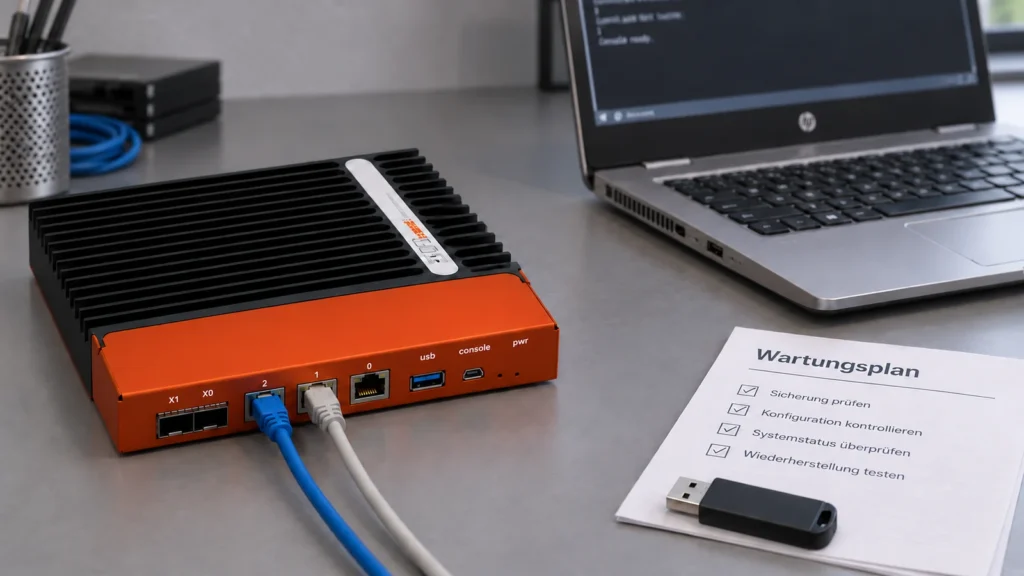
An OPNsense update succeeds when the required services work correctly afterwards and the change remains traceable. A new version number alone does not establish this. Release notes, a configuration backup and a short list of business tests therefore belong together.
Read the changes before the window starts
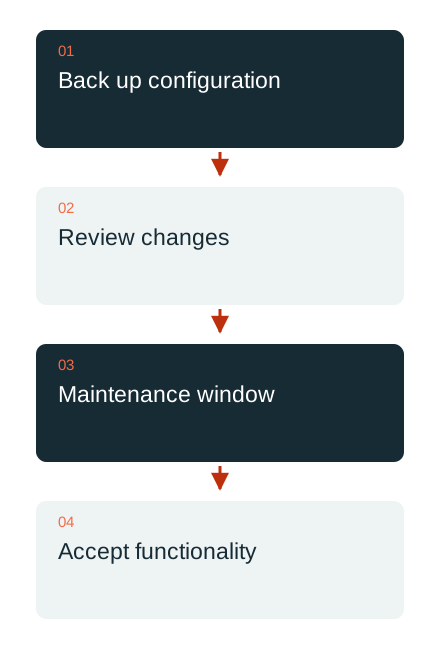
The official release archive documents changes by version series. For example, the 26.7 series brings changes to rule management, NAT and gateway management. This illustrates why a version change can involve more than a new kernel. On the maintenance day, the notes for the actual source and target versions are read afresh.
Installed extensions and functions that depend on changed components are recorded. A limitation important to the specific system may be tucked away in an inconspicuous section. A general reference to the latest version therefore cannot replace a list of the functions used by the business.
A backup must also be usable
Before the intervention, a current configuration backup is kept outside the firewall. Required passwords and keys are held in the designated secure store and accessible to authorised people. The information or files not covered by this particular backup method are also identified.
Emergency planning includes installation, a suitable platform and an accessible administration path. A rollback path is not equated with an arbitrary downgrade. Whether and how a configuration can be restored in the intended version must match the specific version sequence and required time window.

Accept the result through real workflows
The same selected tasks are checked before and after the change. They may include internet access, internal name resolution, a VPN workplace and a site-to-site connection. For a tunnel, the data path matters more than the handshake alone: the intended application must reach its destination through the correct route.
The official WireGuard example shows that tunnel addresses, allowed networks and firewall permissions work together. In a business, permissions are limited to the required scope. An adopted example with broadly open networks is not a finished, individually designed authorisation model.
Record the outcome and subsequent maintenance
The record includes the starting version, target version, backup location without secrets, test results and outstanding actions. Changes to rules or services receive a business or technical rationale. A person taking responsibility later can then understand why the current state looks the way it does.
DAXS plans OPNsense maintenance in the context of switches, Wi-Fi, provider connections, server services and the applications actually used. A manageable, repeatable acceptance plan reduces the effort of the next maintenance. The specific target version, extension compatibility and known issues are checked again for each intervention.
Ongoing IT operations · Backup and recovery · Arrange maintenance
Sources: OPNsense: release archive (external link) · OPNsense: changes in the 26.7 series (external link) · OPNsense: WireGuard site-to-site connection (external link)