A registered extension alone does not prove that a business can be reached reliably. FreePBX can shape call handling. In daily operation, however, the provider connection, network, endpoints, opening hours and arrangements for outages must also fit together.
Start with the call flow
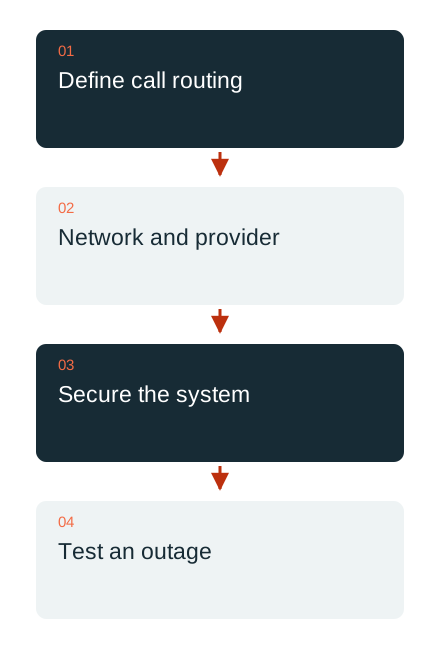
First, define who answers an incoming call and what happens when that person is unavailable. Working hours, cover, announcements and forwarding are agreed with the business. A complicated menu tree is not an end in itself; callers should understand the intended contact route.
Next, assign telephone numbers, extensions and permissions for outgoing calls. Special destinations, emergency calling requirements and the information needed when changing providers must also be clarified for the specific country and contract. A generic sample configuration cannot replace these checks.
Telephony depends on working data paths
Signalling and voice transmission may use different network paths. Testing therefore covers a complete call in both directions and the required functions, such as hold, transfer and external forwarding. The agreed procedure should remain clear after a connection change or restart.
Remote extensions use suitable access methods. Public port openings are not copied wholesale from a template. NAT, encryption, endpoints and the provider’s requirements are considered together. The right solution depends on the existing infrastructure.

The phone system itself needs ongoing care
Sangoma documents an integrated firewall for FreePBX. It is one component of access management and does not replace network planning or ongoing maintenance. Administrative access, modules and permitted peers are documented.
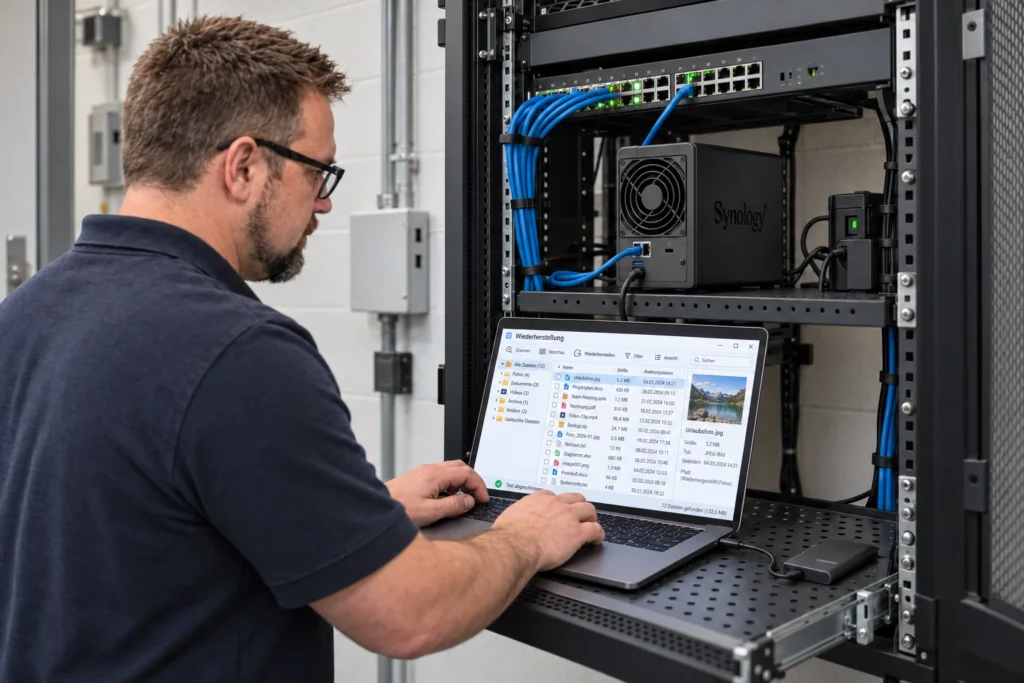
Backups are checked for external destinations and the components they actually contain. In newer FreePBX environments, storage is organised through the Filestore module. A backup held on the same failed instance may be inaccessible during an incident. The required access details and recovery conditions belong in the operations manual.
Test a fallback route in practice
An agreed test checks an outage of the system or a required connection, where the environment permits this in a controlled way. The external caller’s perspective matters: what announcement or alternative contact route do they actually receive? An internal status display is insufficient.
DAXS brings FreePBX, the provider, the network and existing workplace tools together in a clear telephony concept. Reachability and support are planned within the agreed scope. A useful first step is a short call-routing plan with named responsibilities and a list of the call functions currently required.
Communication and telephony · Infrastructure · Discuss telephony
Sources: Sangoma: FreePBX firewall (external link) · Sangoma: external backup destinations in Filestore (external link)