
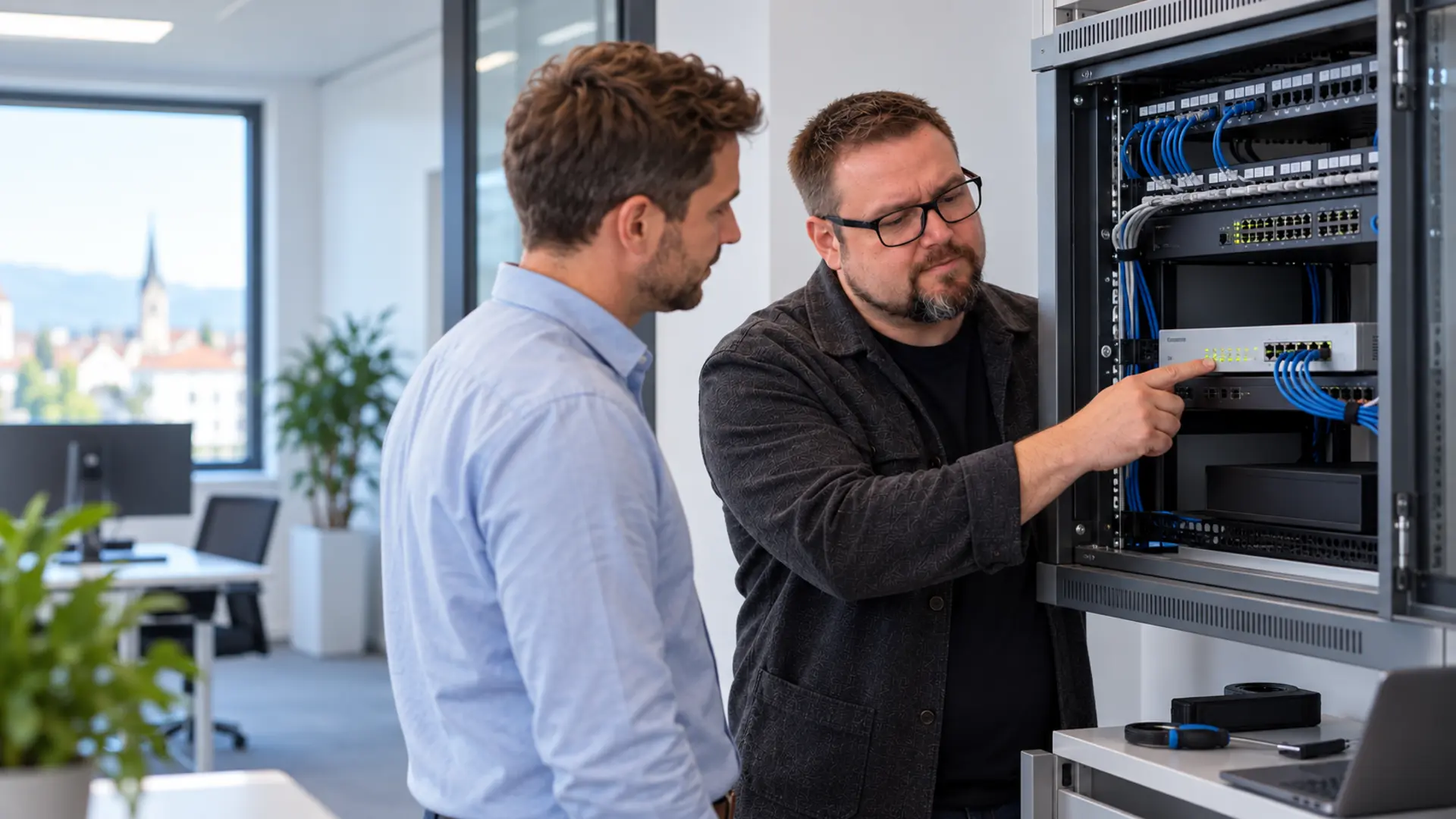
Control access.
Connect locations securely.
DAXS plans firewalls, separated networks and secure access as an environment with ongoing support. Rules, dependencies and changes remain traceable.
Who needs access to what?
People and applications
Record required services, identities and data paths. Access follows roles and tasks; administrative routes are assessed separately.
Locations and remote access
Head office, branches, home working and cloud platforms need clear connections. Networking, sign-in and responsibilities are planned together.
An evolving rule set
New services and exceptions change the environment. Changes receive a purpose, an owner, checks and documentation.
The firewall is part of the complete access path.
- 01 · OutsideInternet & providerConnectivity, fallback route and external services.
- 02 · ControlSophos FirewallRules, VPNs and logged connections.
- 03 · InsideSeparated networksWorkplaces, servers and required business systems.
Branches and mobile working use suitable, tested access routes. Cloud services and administrative access belong in the same target architecture.
Hardware, virtual or cloud deployment.
Appliance
Where a dedicated physical network device suits the environment. Performance, protection functions, VPN workload and ports are sized specifically.
Virtual or cloud deployment
Where the existing platform supports appropriate operations. Network access, resources, licensing and responsibility for the operating environment must be clarified.
Hybrid and multiple locations
Where local networks and external platforms work together. Identities, policies and connections are coordinated across locations.
SD-RED as a specific connection option.
- 01 · Head officeApplications & rulesCentral services and a suitable Sophos Firewall.
- 02 · ConnectionProtected tunnelCheck the provider path, operating mode and fallback option.
- 03 · BranchSD-RED & local networkConnect the people and devices that need access.
Operating mode and specific functions determine which traffic reaches head office. Connection outages and required local work are tested before implementation.
Plan the transition as an operational change.
- 01Assess the current environment
Document rules, VPNs, identities, certificates, networks and external access.
- 02Clarify the objective and licensing
Check functionality, platform, management and appropriate manufacturer services.
- 03Test implementation
Test important connections, business functions and required fallback routes in practice.
- 04Cut over and hand over
Record the agreed time window, rollback path and ongoing ownership.
Protection functions need traceable operations.
Sophos
Manufacturer functions, updates and agreed support form the product layer. Licensing and settings determine the actual scope.
Your business
Business requirements, approvals and required access are explained and decided within the organisation.
DAXS
Planning, integration, agreed changes and ongoing support connect the technology to these requirements.
Sophos Central, telemetry, logging and administrative access are assessed against the functions needed and actual configuration. This is part of the technical data-flow assessment.
Record data paths clearlyKeep licences, changes and events connected.
A firewall remains effective when the actual environment and ongoing tasks are understood. DAXS connects the technology to an appropriate operational scope.
Inventory and licence terms
Devices, platforms, active protection functions, terms and contacts are documented. Procurement and renewal follow the required functionality. Package changes are compared with actual use.
Rules and updates
Approvals receive a purpose and an owner. Updates use suitable maintenance windows; important VPNs, services and recovery paths are checked after changes. Logs support troubleshooting and assessment of an event.
Additional protection layers
Endpoints, email, identities and backups are included as appropriate for the existing platform. Monitored detection and response, where required, is agreed separately as a manufacturer or partner service with its own conditions. DAXS coordinates integration and the agreed technical responsibility.
Agree ongoing support · Plan recovery too · Explore email delivery and protection
Questions about firewalls and VPNs.
Can an existing firewall be taken over?
How is the right size selected?
Is a virtual firewall possible?
When is SD-RED suitable?
What does ongoing operation include?
Are other platforms considered?
Take over a firewall or plan access anew.
Bring an overview of locations, important services and existing access. We will define an initial review of the environment, migration or operations.