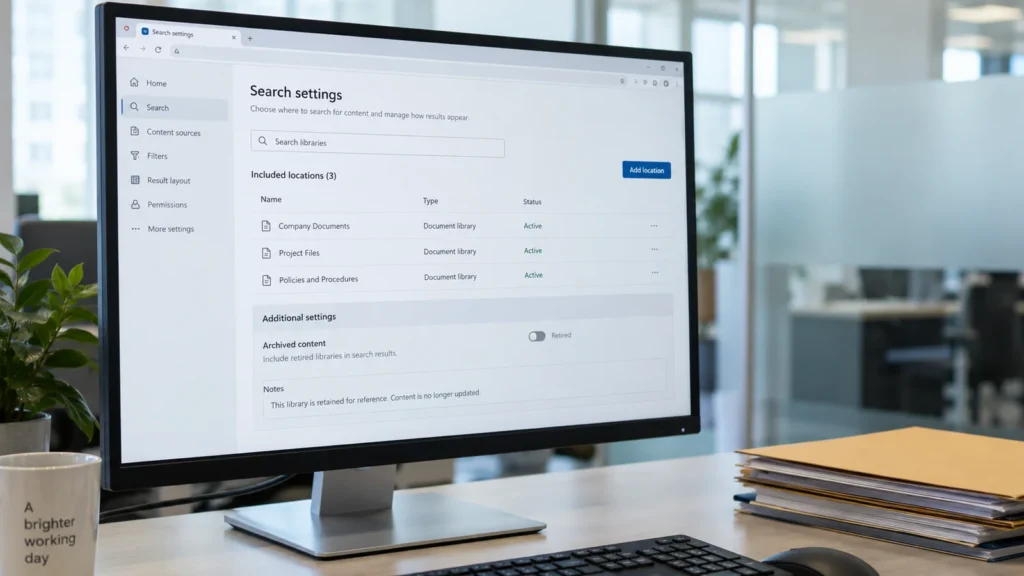
The old project folder has disappeared from the portal. That does not mean it is protected. When search or AI starts using it, the difference between hidden and inaccessible becomes very real.
A tidy menu can conceal an untidy repository.
A fictional company closes a project. The project link is removed, while files are retained for later questions. The previous employee group can still read the folder. That may be an intentional business decision, or an overlooked remnant of the project.
With a new AI search, nobody needs to know the old link. If the import or connector includes the folder and access is permitted, a question about an earlier calculation can surface its contents. The problem is not the missing menu item; it is an unclear decision about access and archiving.
Four simple tests examine different boundaries.
- Navigation
- Is the folder merely hidden from the visible interface? That alone says nothing about access through other routes.
- Direct retrieval
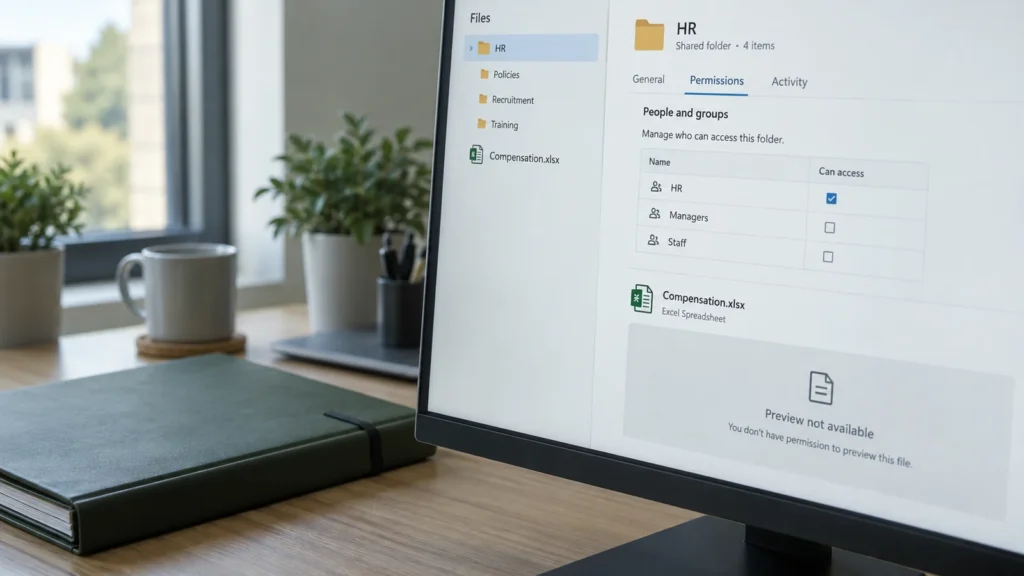
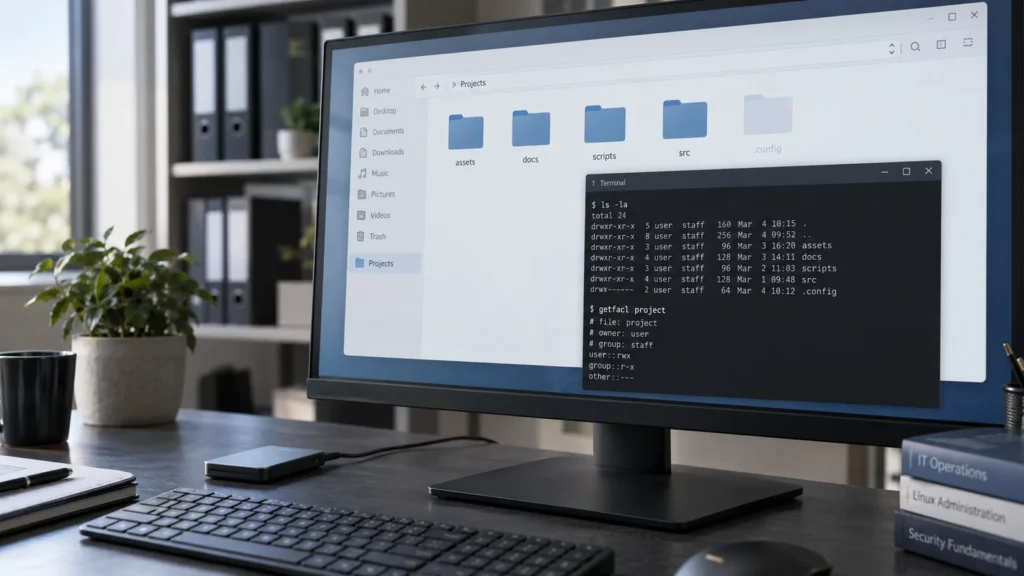
- Can a test account open the known file through its address or the application? Test effective access rather than relying on assumed group membership.
- Search
- Are titles, snippets or previews displayed? They may already be confidential, even if opening the full file subsequently fails.
- AI answer
- Which source was actually used? An evasive answer or a missing result does not establish an effective access restriction.
An index can outlive a permission.
Search indexes and answer caches are data stores in their own right. After a permission changes, it must be clear when and how that change takes effect there. Removing a document at the source while its text remains in the index is not a complete deletion process.
Derived information also belongs in the test: previous summaries, exported answers, shared chats and logs. Data already passed on cannot be recalled simply by changing a folder permission. Remediation therefore needs to follow the whole information path.
Archiving means making a deliberate decision.
For completed work, responsible owners decide what remains necessary, who should retain access and for how long. An archive group can be appropriate when it matches the people who need the information. A project’s age does not automatically justify access for every employee.
Retention obligations and business traceability may justify keeping data. They do not require every employee to see that data in everyday knowledge searches. Legal and operational requirements should inform the technical access design.
How an AI rollout can help.
A controlled pilot provides an opportunity to test these decisions explicitly. Select representative current and historical repositories, name their owners and use test accounts to reproduce both permitted and denied access. Repeat the tests after changing permissions.
An additional search restriction can help during remediation. Assess its actual scope; it cannot replace correct permissions at the source. Vendor features may treat organisation-wide search, searches within a site and direct file access differently.
The AI security guide explains these boundaries. For the technical design of a testable search, Company knowledge & RAG provides the next step.
Sources: Microsoft: security trimming with search filters. This hypothetical example is product-independent; individual systems require their own access tests.