The names XG, SG, XGS, UTM and Sophos Firewall OS are easily mixed up in everyday use. For updates and support, however, the distinction matters. A firewall may still start up and pass traffic even though its hardware is already outside its supported lifecycle.
Record hardware and operating system separately
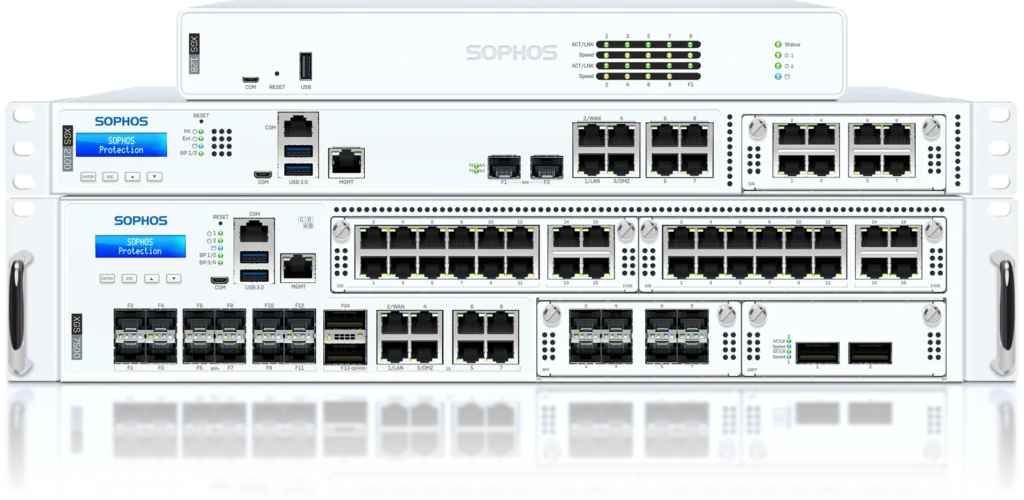
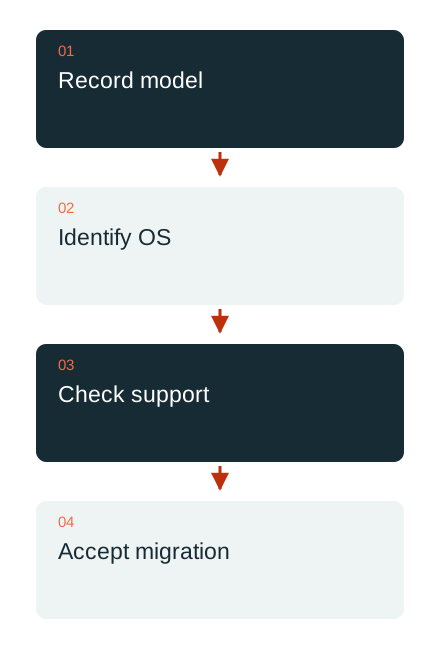
XG and XGS are hardware families. UTM and SFOS identify different software platforms; SG appliances may run different systems depending on the installation. Start by checking the model, revision and actual installed operating system. An old invoice or a label in a network diagram is insufficient on its own.
Sophos lists 31 March 2025 as the EOL date for XG hardware. The current version 22 firmware does not support XG or SG hardware. This does not imply a blanket shutdown of every similarly named software installation: virtual, software and cloud deployments must be checked against their own platform and licensing conditions.
Traffic still passing is not evidence of support
The end of a hardware lifecycle does not necessarily mean the appliance drops every packet that day. It does change the basis for maintenance, troubleshooting and security functions. Check which functions and updates remain available against the vendor’s current information and the entitlements actually held.
UTM also has its own rules. A temporary overlap of licensing and support after product EOL is not a new long-term product commitment. The next step is a reliable inventory, rather than assuming an unchanged green administration screen proves adequate protection and support indefinitely.

Size the target system for actual use
Assess a replacement against connection bandwidth, enabled inspection, concurrent connections, VPN, port requirements and planned growth. A model number is not a universal performance ratio. Virtual deployment or another suitable platform may also belong in the assessment.
Assign the required licences and services transparently. A system change is also an opportunity to identify obsolete rules and services no longer published. An extensive configuration should not migrate in full merely because it can technically be imported.
Migration needs its own test
Sophos documents a backup-and-restore assistant for supported transitions. Requirements include compatible software versions, a suitable target and the necessary backup keys. If port counts differ, interface mapping must match the actual cables and networks. Verify compatibility before the change.
After migration, accept the rules, VPN, DNS, certificates, administration access and critical applications through testing. Only then is the change complete. DAXS helps inventory models and versions and prepare a traceable migration plan. An old product name alone is insufficient evidence for the decision.
Sophos at DAXS · Infrastructure and operations · Arrange an inventory review
Sources: Sophos: XG-to-XGS migration (external link) · Sophos: retirement calendar (external link) · Sophos: supported SFOS 22 platforms (external link)