A firewall update often affects more than the management interface. Sophos Firewall 22 introduces new features and specific compatibility requirements. Before installation, check which version runs on which platform and which connections must work after the restart.
The starting point determines the available path
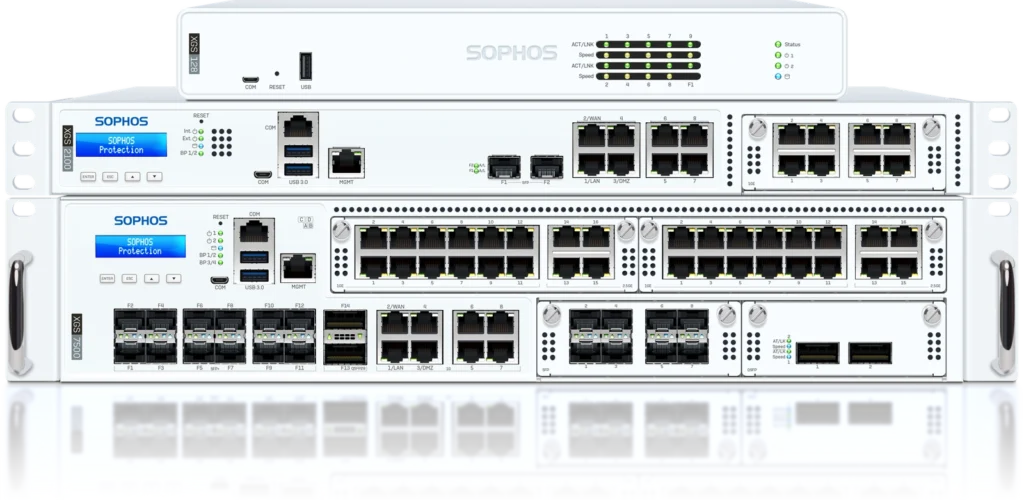
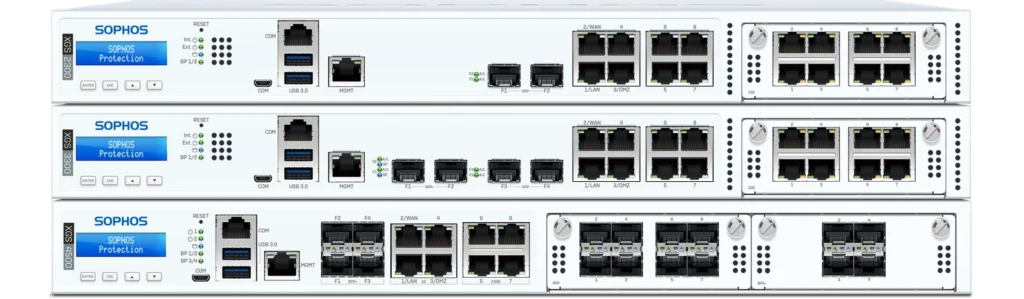
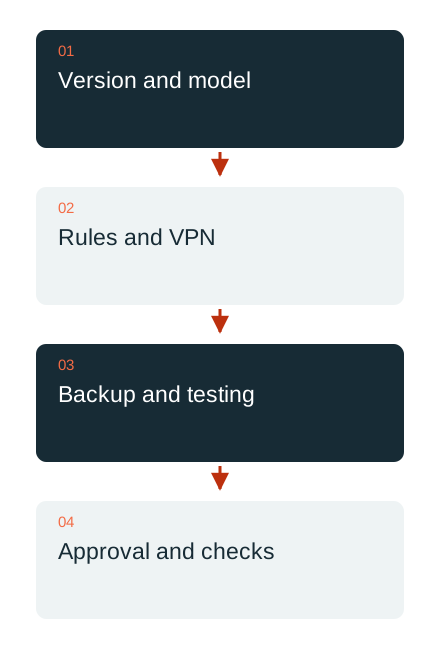
The SFOS 22 release notes exclude XG and SG hardware as supported target platforms. Nor is every move from a newer maintenance release of an older series to every release of version 22 permitted. The verified combination of starting build and target build matters; a higher version number alone is not an approved upgrade path.
Virtual and software installations may also have disk-space and partition requirements. A new feature is therefore no reason to force an unsuitable path. First bring together the platform, licence/support entitlement, starting version and current compatibility matrix.
Put new assessment features in context
SFOS 22 GA introduces a firewall health check and improved traceability of configuration changes, among other features. These findings can support an assessment. They replace neither knowledge of the actual network nor the decision whether a proposed change suits the applications and access rules.
A short list of particularly important services is often more useful for acceptance than a blanket statement that the system is “up to date”. Include remote access, branch sites, published applications, name resolution and the administration paths actually used. Tell the responsible people beforehand when and how to test these functions.

Check VPNs and older peers separately
The version 22 release notes describe changed behaviour for policy-based IPsec. Older UTM peers and RED models also cannot be combined arbitrarily with newer SFOS versions. Check these points against the existing connections, rather than discovering them after a tunnel has failed.
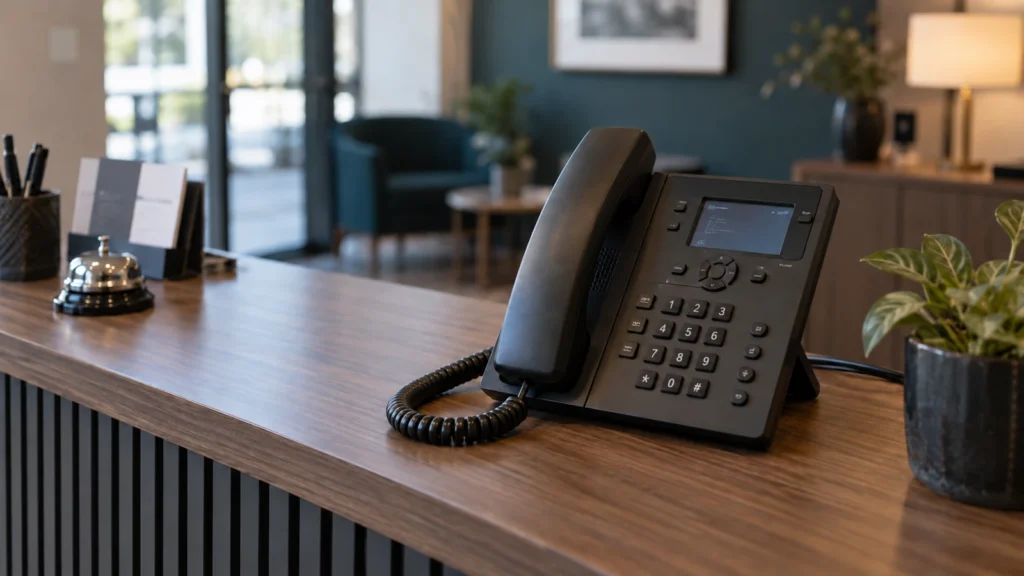
A green tunnel status is not sufficient for acceptance. Test the required application through the intended path, including name resolution and return traffic. Telephony requires a complete call; a branch site needs a representative business task. This turns a technical connection into a verified working path.
Prepare backups, access and follow-up checks
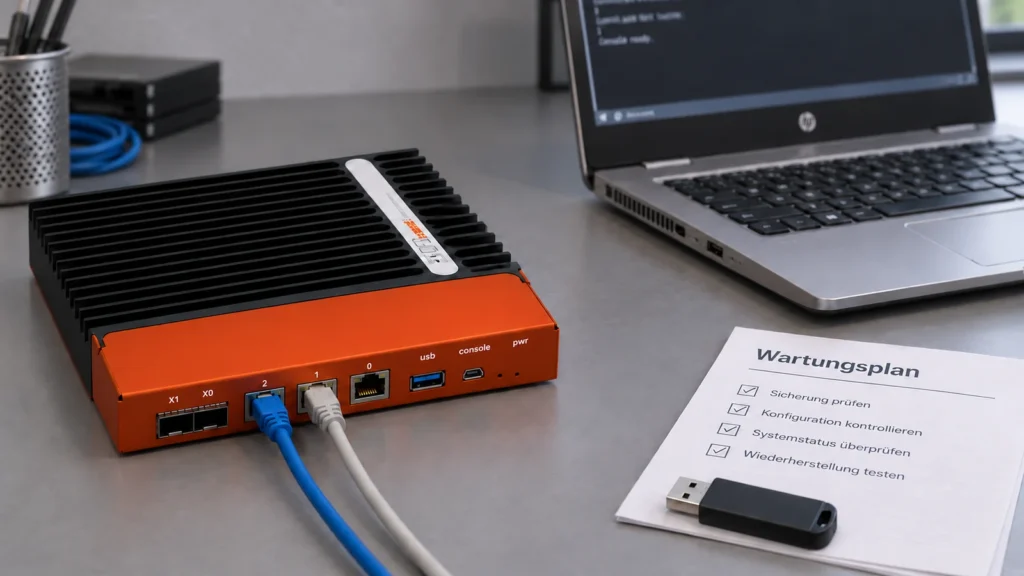
Before the update, verify a current configuration backup and the passwords needed to use it. Where appropriate, prepare access independent of the normal management path. Rollback also has version and platform limits; a backup cannot automatically be restored to every older release.
After the change, check the agreed functions, alerts and logs. Assign a specific action and owner to each unresolved point. DAXS plans this maintenance from the actual inventory and currently approved vendor paths. This article explains the checks; the target version valid on the maintenance day is selected afresh.
Sophos services · Ongoing IT operations · Discuss maintenance
Sources: Sophos: SFOS 22 release notes (external link) · Sophos: SFOS 21.5 release notes and transitions (external link)