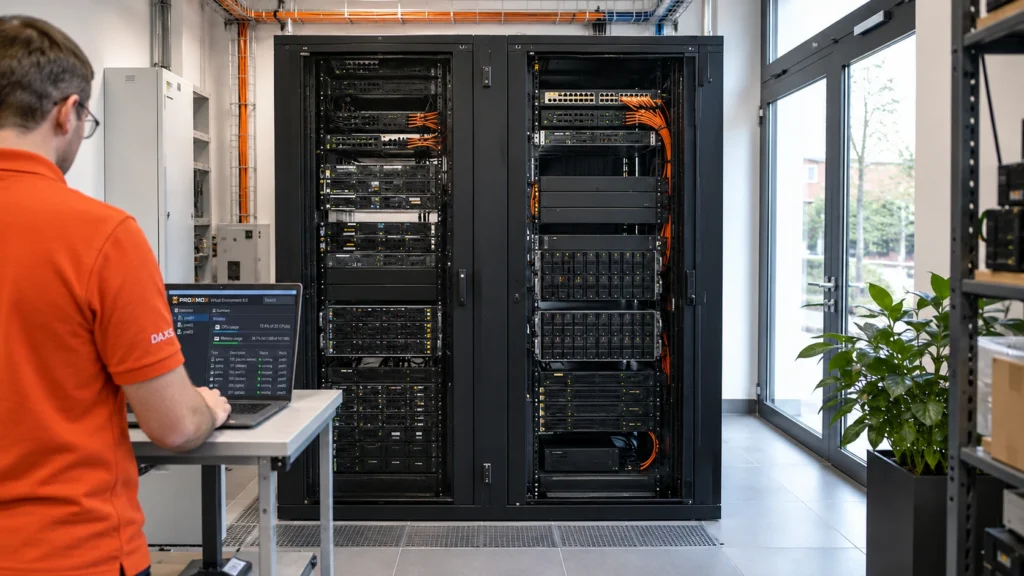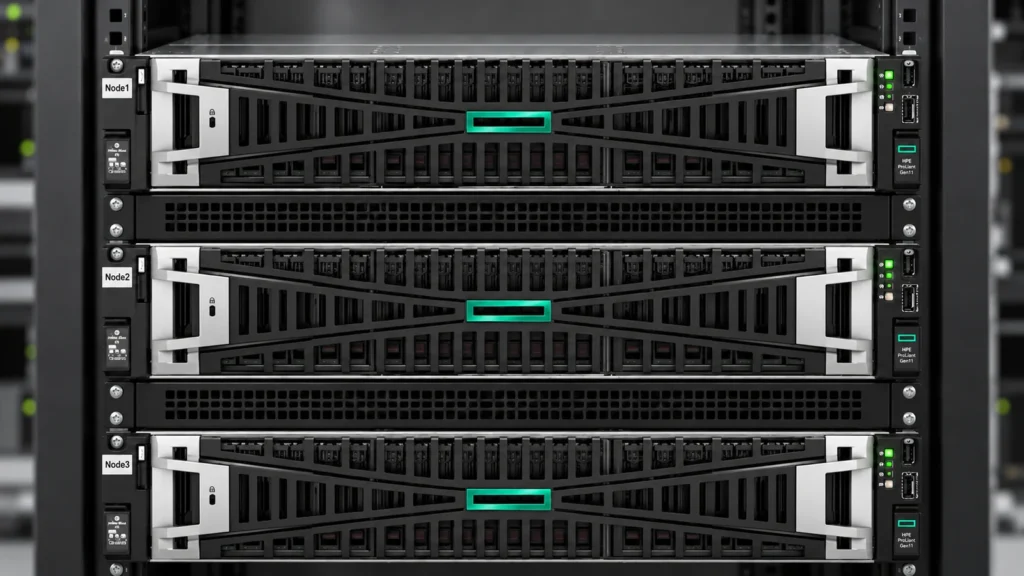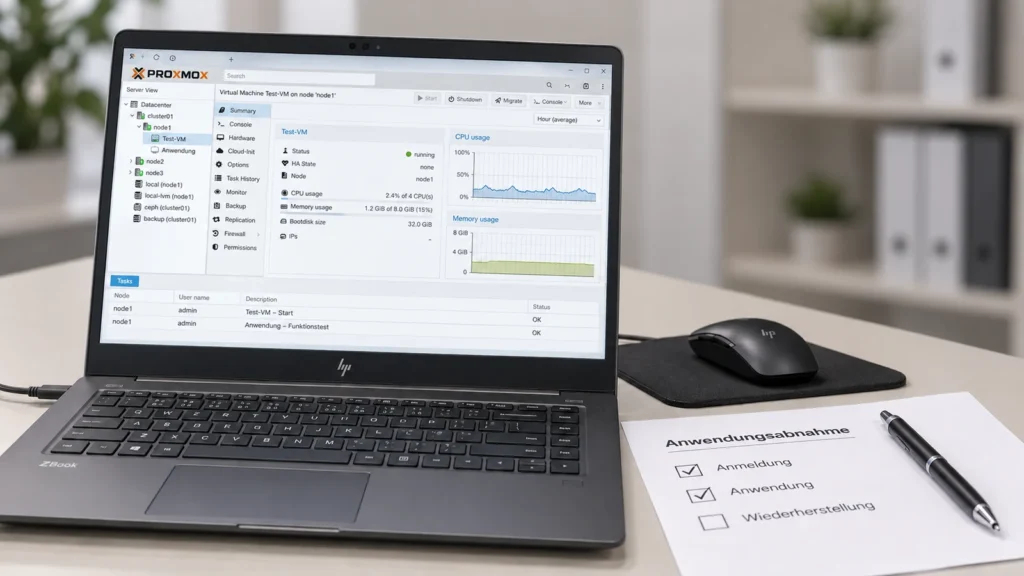
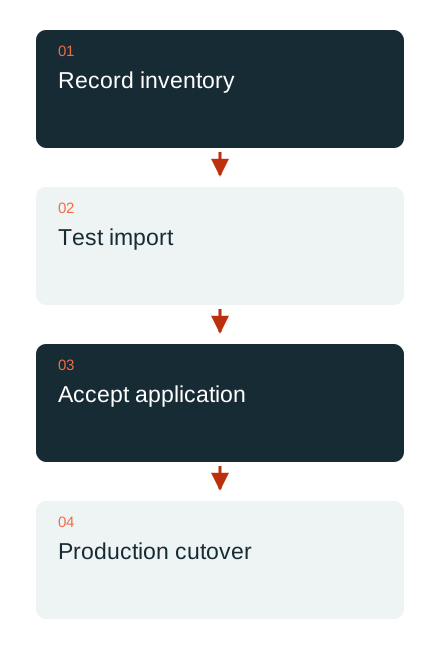
A virtual machine may start on the new system without being ready for production. A move from VMware to Proxmox therefore includes acceptance testing of the application and its dependencies. The technical import is one part of this process.
Record dependencies before importing
The inventory covers the operating system, boot method, virtual devices, networks, disks and required services. Application licences, backup software and access methods are also considered. Changes to virtual hardware can affect drivers and hardware-bound licences.
The sequence is defined for systems that work together. An application, its database service and identity services cannot be assessed independently. Each migration wave therefore has a business contact and verifiable criteria for successful completion.
Choose a suitable migration method
Proxmox documents import methods from VMware ESXi and other migration procedures. The suitable option depends on the source version, access, disks and planned window. The manufacturer also describes limitations, for example when transferring virtual TPM state. These dependencies are assessed before the production cutover.
For Windows guests, relevant factors include suitable VirtIO drivers and the disk and network hardware actually selected. Required recovery information is secured. A low-risk pilot can reveal early which adjustments the existing systems need; it does not demonstrate compatibility for every other VM.

Test the application from the user’s perspective
Acceptance testing covers sign-in, representative processing, files, printing and external interfaces where these belong to the application. Backup and recovery must also work on the new system. A successful ping and a running desktop are insufficient.
Network addresses, time services and name resolution are checked deliberately. Starting copied systems for testing must not create an uncontrolled duplicate production instance with the same identities. The test environment receives a clearly defined role and appropriate access rules.
Set a time limit for rollback
Before cutover, the point until which rollback remains possible is defined. New data already created on the target cannot be recovered simply by switching the old VM back on. Decision-making, data reconciliation and responsibilities are planned for this situation.
DAXS structures the migration into traceable waves with a pilot, business approval and documented follow-up checks. The old environment is retired only after a deliberately defined completion point. The move remains a verifiable operational change and is not equated with a successful file transfer.
Infrastructure planning · Estimate IT effort · Discuss a migration
Sources: Proxmox: migration and ESXi import (external link) · Proxmox: Windows VirtIO drivers (external link)