Moving from VMware to Proxmox VE needs a verifiable cutover plan for each application group. Technical import alone is insufficient: dependencies, target network, guest drivers, backup and the latest rollback point must be settled before the maintenance window. This example shows how DAXS would time a small migration wave of three virtual machines. Figures and times are calculation assumptions, not a guaranteed migration duration.
Define a wave before copying a VM
Assume an internal application consists of a web server, database and background-task service. All three VMs form one wave: a web server started alone without its database provides no usable service. Inventory each VM’s operating system, firmware mode, virtual disks and controllers, network connections, VLANs, MAC or DHCP dependencies, application licences and backup procedures. Agree the stop, import and start sequence with a business contact.
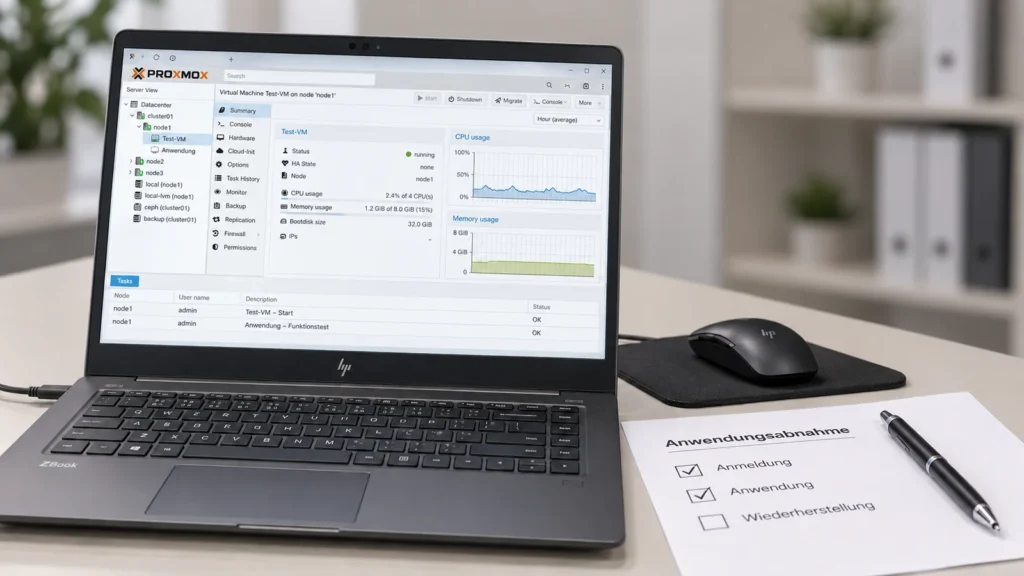
The existing DAXS article on application acceptance explains why a booted guest does not yet mean successful migration. Here the focus is the maintenance window: who measures what, who approves, and when is the operation stopped?
Preflight: test drivers, storage and networking in the pilot
Proxmox documents several migration paths from VMware ESXi, including integrated import and OVF. Suitability depends on source system, disks and environment. Vendor documentation describes, for example, limits for encrypted VM disks, disks on vSAN and transferring virtual TPM state. Test the actual path on a non-critical guest first. For Windows guests, recovery keys and suitable VirtIO drivers belong in preflight; Linux guests need the same boot, network and service tests. Current Proxmox documentation lists known issues with individual virtio-win versions, so test the planned driver version in the pilot as well.
The target needs a confirmed storage destination with sufficient space and the required backup strategy beforehand. Map bridge and VLAN to the source network for each adapter. Static addresses, DHCP reservations, DNS, time service and firewall rules are separate checks. An imported test VM with a production identity must not accidentally run alongside the original on the production network.

Plan the maintenance window using measured transfer
For the three example VMs, assume 200 GiB to transfer and an actual pilot measurement of 80 MiB/s using the selected import path. Pure transfer takes 200 × 1,024 ÷ 80 = 2,560 seconds, or just under 43 minutes. Gross port speed is no substitute: snapshots, storage performance and the source system can change the effective rate. The pilot supplies the value; the calculation makes the plan understandable.
| Step | Budget | Evidence / owner |
|---|---|---|
| Stop writes and confirm backup | 5 min | Business contact confirms inactivity; operations records the time |
| Transfer / import VMs | 43 min | Operations checks completion, size and errors |
| Boot guests and check networking | 10 min | Operations checks boot, IP, DNS, time and services |
| Technical tests | 15 min | Operations tests interfaces and backup start |
| Business acceptance | 15 min | Business contact checks login and a core transaction |
| Switch over and document | 10 min | Approval, DNS/routing and operational handover |
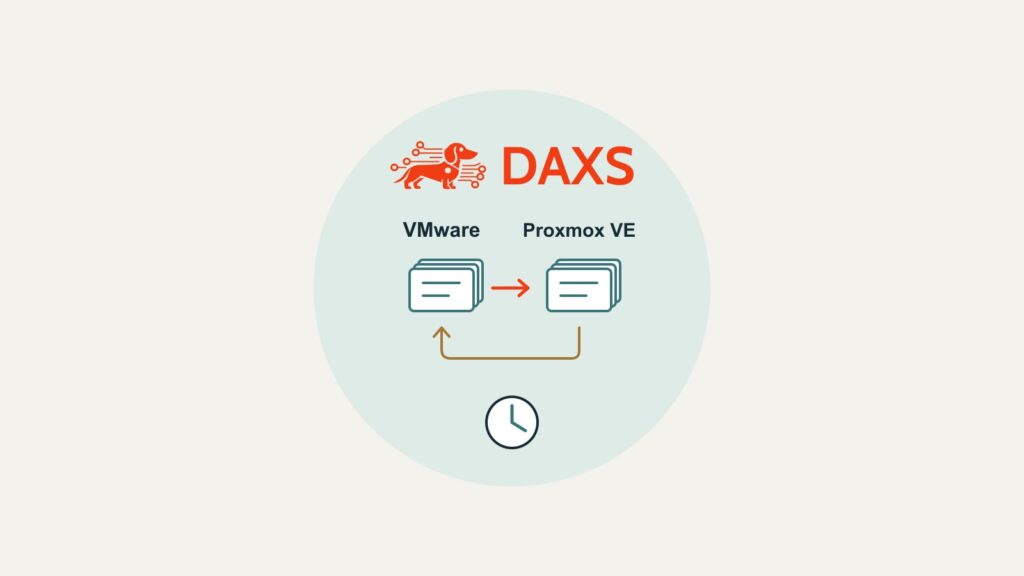
The planned steps take 98 minutes, leaving 22 minutes in reserve. Rollback must have been rehearsed in the pilot. This example has firm stops: import not finished by minute 60, technical tests not passed by minute 75, or business approval not granted by minute 90—each means returning to the source before new production data is created. If that return takes more than 30 minutes in the pilot, the assumed two-hour window cannot accommodate these stop points. Actual thresholds must come from measurements and the application’s acceptable downtime.
Go/no-go and rollback before new production data
Business approval is a separate decision. Until then, user access to the target stays blocked and the source is not changed. Once new production data is created on Proxmox after cutover, returning to the old VMware VM is no longer a simple restart: that data needs controlled reconciliation. The runbook therefore records data owners, rollback deadline, backup and decision channel. The pilot is particularly important for systems dependent on vTPM or encryption.
Approval is followed by at least one successful backup run, a planned restore test, monitoring and an observation period with clear ownership. Only then is the old VM retired after the agreed retention period. Effort includes inventory, pilot, driver/network corrections, test records and aftercare as well as the maintenance window. No general savings can be inferred.
For a suitable window and a reliable rollback rule, DAXS can review the infrastructure and operating requirements with the business. Talk to DAXS when you are ready to plan the first migration wave.
Sources: Proxmox VE: migrating to Proxmox VE · Proxmox VE: Windows VirtIO drivers.