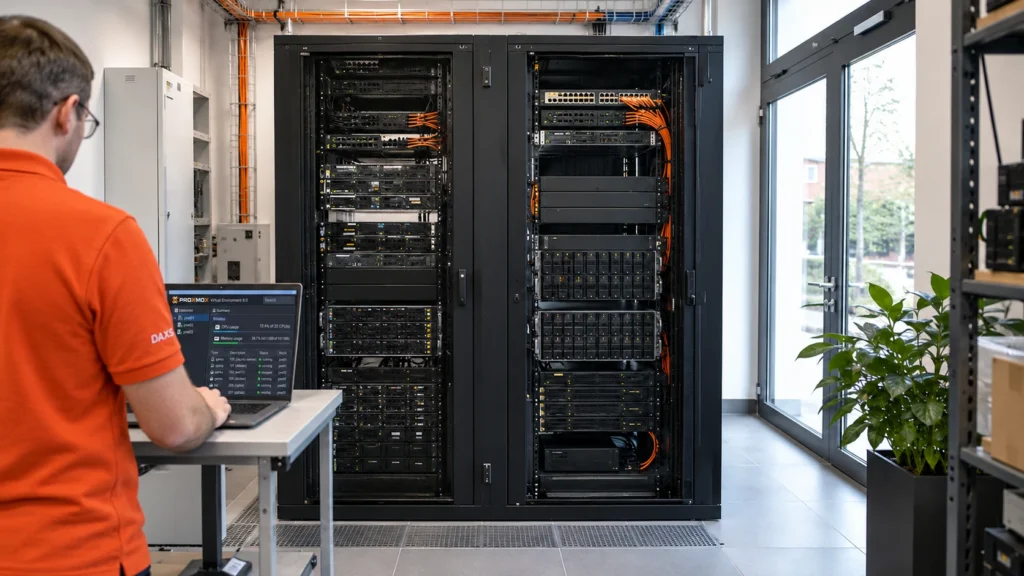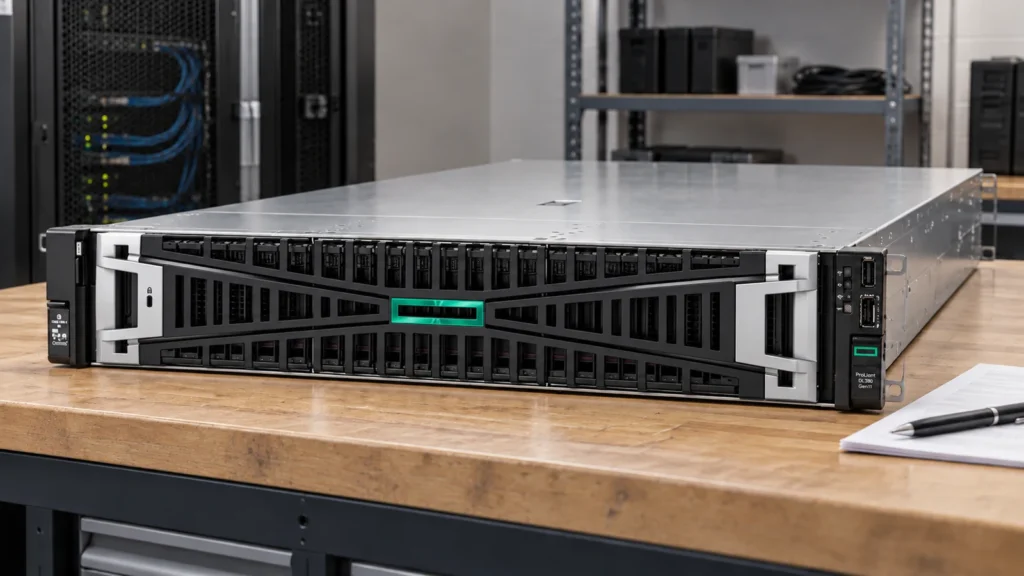
The existing Proxmox host still has room for an AI service. Is it enough to install a graphics card and create a virtual machine? This can be a sensible solution when GPU assignment, host resources and maintenance are planned together.
With passthrough, one VM owns the physical GPU
PCIe passthrough gives a virtual machine control over a physical device. The AI VM uses the GPU through its own guest driver. While that assignment is active, the host and other VMs cannot use the same card for their own computations at the same time.
A shared model service inside the AI VM can handle several requests. This differs from dividing the card among several VMs. Whether a separate vGPU solution is suitable also depends on the GPU, hypervisor, drivers, supported configurations and licensing.
A VM provides a clearly assigned system environment: operating system, model server and required data can be managed together. The GPU remains a physical device with its own requirements.
Check the entire hardware chain before installation
The Proxmox documentation requires IOMMU support including interrupt remapping. CPU, motherboard, firmware and Linux support must work together. The VT-d or AMD-Vi designation alone does not replace this compatibility check.
The IOMMU group of the selected slot also matters. The GPU and its associated functions should be appropriately separated from other required devices. The Linux VFIO documentation explains why a group forms the assignment and isolation boundary. Another slot may result in a different grouping.
Also check space, the electrical PCIe connection, power supply and cooling. Inside the guest, a suitable GPU driver and support from the model service are needed. For GPU passthrough, Proxmox generally recommends q35 with OVMF/UEFI and PCIe; the card firmware must support this too. Specific settings depend on the hardware in use.

Existing capacity is a shared budget
The planning example is an existing virtualisation host running business applications plus an additional AI VM. CPU time, RAM, storage and networking remain shared resources. An uncontrolled document import or model start should not unexpectedly slow the other applications.
The VM therefore receives a clearly specified configuration and load limits. GPU memory, context length and concurrent model requests are tested together. Assigning more RAM to the VM does not increase the card’s physical VRAM. CPU offloading can change behaviour and requires separate measurement.
For a fair comparison, record the model version, inputs, context and concurrency. Assess quality, first response, subsequent output, waiting time and the impact on other VMs. A blanket percentage for virtualisation overhead would be of little use without this specific test.
VM or dedicated machine: what changes in operation?
| Question | AI VM with GPU passthrough | Dedicated AI server |
|---|---|---|
| Resources | GPU permanently assigned; coordinate other host resources with existing VMs. | Compute and memory resources are available to the dedicated system. |
| Maintenance | Plan guest drivers, model operation and Proxmox/host updates together. | Operating system and model service in a separate maintenance scope. |
| Moving hosts | Directly passed-through PCI devices prevent regular live migration. For a stopped migration, check suitable target hardware and assignment. | Move or replace through prepared recovery on other hardware. |
| Backup | Consider VM disks, application consistency, configuration and device assignment together. | Organise system/application data protection and recovery separately. |
| Effort | Existing infrastructure can be used; include integration and additional host dependencies. | Plan dedicated hardware and site resources, with a more clearly separated maintenance scope. |
An existing cluster does not automatically make a hardware-bound AI VM movable without interruption. Restarting on another node requires compatible GPU resources, a valid mapping and a procedure that has actually been tested. Service requirements determine whether this preparation is sufficient or another service node is appropriate.
A restore should prove more than a VM that boots
A copied virtual disk does not contain the running state of the physical graphics card. Recovery must therefore also check model versions, configuration, data permissions and renewed device assignment. A snapshot on the same host does not replace a separate backup.
Acceptance includes a normal VM restart, a host restart, a driver/kernel change in the planned maintenance window and a planned restore. Afterwards, test a real model request and the other applications. This shows whether the device becomes available cleanly after a restart.
A GPU used purely as a compute accelerator does not need a connected monitor. The Proxmox console does not simply display the image from a passed-through GPU. Use the AI service through its intended interface or API.
Use a restricted pilot to support the decision
DAXS first clarifies the task, existing host, usage scope and acceptable interruption. A restricted pilot then tests device assignment, functional quality and operational impact. Depending on the outcome, a VM, a dedicated machine or an external service may be appropriate.
The Proxmox overview for businesses explains the broader platform choice. The local LLM infrastructure topic page and the load-test pilot explore sizing in more detail. For a shared service, the article on Ollama and Open WebUI complements the architecture.
Discuss the AI operating model and existing infrastructure.
Sources: Proxmox: PCIe passthrough (external link) · Proxmox: virtual machine migration (external link) · Linux: VFIO and IOMMU groups (external link) · NVIDIA: vGPU support matrix (external link) · Ollama: hardware support (external link).