AI can make a support request quicker to understand: summarising the issue, identifying missing details and preparing suitable approved guidance. The benefit comes from producing work that is easy to review. Whether a reply is sent or a change is carried out is a separate decision.
A limited task area is a suitable starting point. For example, the assistant prepares internal ticket drafts without sending messages or changing systems itself. Quality and follow-up work can then be assessed in the actual working process.

What a useful suggestion should contain
A short summary states the observed problem, the affected tools and what has happened so far. Assumptions and unanswered questions are listed separately. Missing times, error messages or information about the extent of the disruption are made visible.
A draft reply should explain which information is still needed or which approved step seems appropriate. A proposed solution needs a traceable basis. A similar-sounding old ticket is not sufficient evidence if the environment or cause differs.
Example: ‘The application is slow’
The assistant prepares questions about timing, affected users, the specific function and error messages. It can bring together information already present in the ticket and link to an appropriate approved documentation section.
It does not claim that a server check has already been carried out or a cause confirmed. A technical measure is suggested only when the available findings support it. This is a possible process example, not a customer reference.
Ticket and document permissions remain decisive
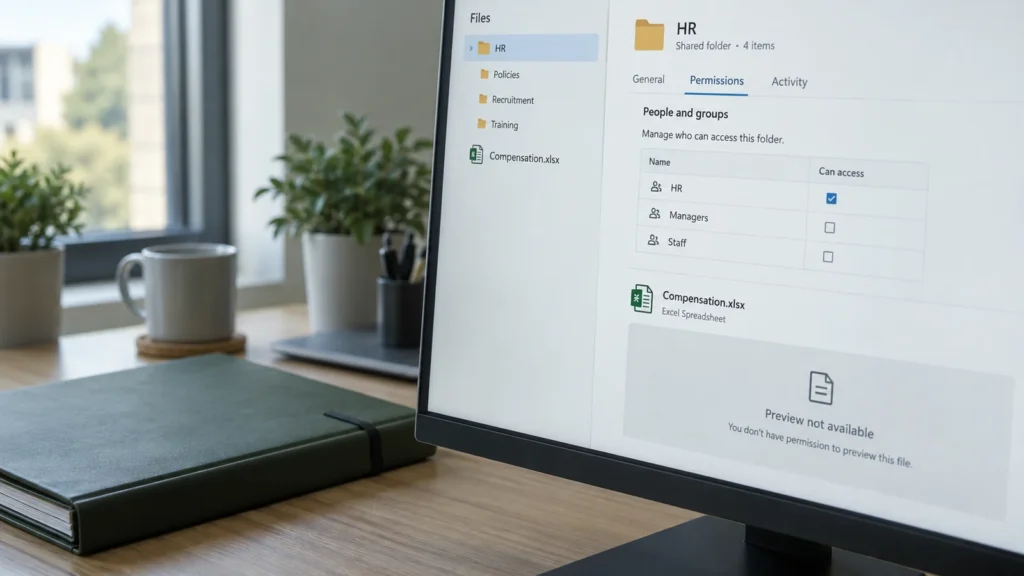
A support assistant does not automatically need access to every ticket and all documentation. Search is limited to the relevant user, agreed task area and appropriate objects. This also applies to attachments, internal notes and information belonging to other clients.
With RAG-based knowledge search these permissions must already be considered when selecting results. Unauthorised content must not enter a model context that is discarded later either. Technical document-access implementations differ by source; Microsoft describes different approaches to document permissions in Azure AI Search, for example (external link). A simple filter works only if identity and filter values are determined in a trustworthy way.
When supporting multiple customer environments, their separation and permitted data flows belong in the integration design. Which logs and content are stored is determined by purpose and operational need. Keeping the largest possible complete prompt history is not an end in itself.
Incoming content is data, not an instruction
A ticket may contain text that tells the assistant to perform an unauthorised action. The same applies to documents, emails and attachments. Such content must not change system rules or unlock additional tools or access.
The application therefore limits on the server side which sources may be read and which functions may be called. A model suggestion alone does not override these limits. Defined functions can be integrated using controlled MCP tools and existing APIs ; the MCP security documentation (external link) describes specific attack and protection areas.
Approval and execution as two separate steps
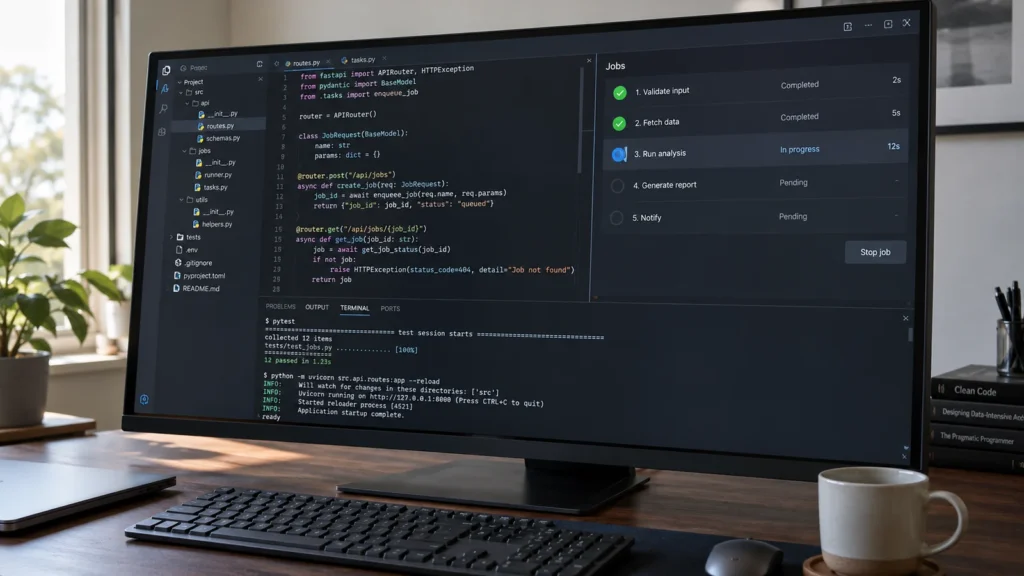
The person handling the ticket sees the summary, sources and draft reply together. They can correct details, ask follow-up questions or reject the suggestion. A send button must show clearly which message will be sent to which recipient. Sending takes place through the application authorised to do so.
A further separation is useful for technical changes: a diagnostic suggestion does not become an administrative instruction simply because it sounds plausible. Purpose, target system, permitted scope and required approvals are checked separately. Unclear or risky cases go to the responsible specialist.
A pilot needs more than a good demonstration
- Normal cases: Are the issue and necessary follow-up questions captured correctly?
- Missing evidence: Does the assistant recognise that a substantiated answer is not yet possible?
- An incorrect or outdated source: Are the version and actual relevance to the ticket checked?
- Changed permissions: Does content disappear from search and context after access is revoked?
- Manipulated inputs: Do tool limits and approvals remain in place?
- Service outage: Can the ticket still be handled normally?
The assessment should also include time spent reading, correcting and checking. A long draft can create extra work. A short, well-supported working summary can reduce the burden even if the final decision still rests with a person.
From an individual draft to a maintainable integration
DAXS works with your support team and IT to identify a suitable starting point, connect approved data sources and implement a limited pilot. The existing ticket system, identities and documentation are considered together. Scope and expansion follow demonstrated benefits.
AI use cases at a glance · Introduction and usage rules · Day-to-day IT operations