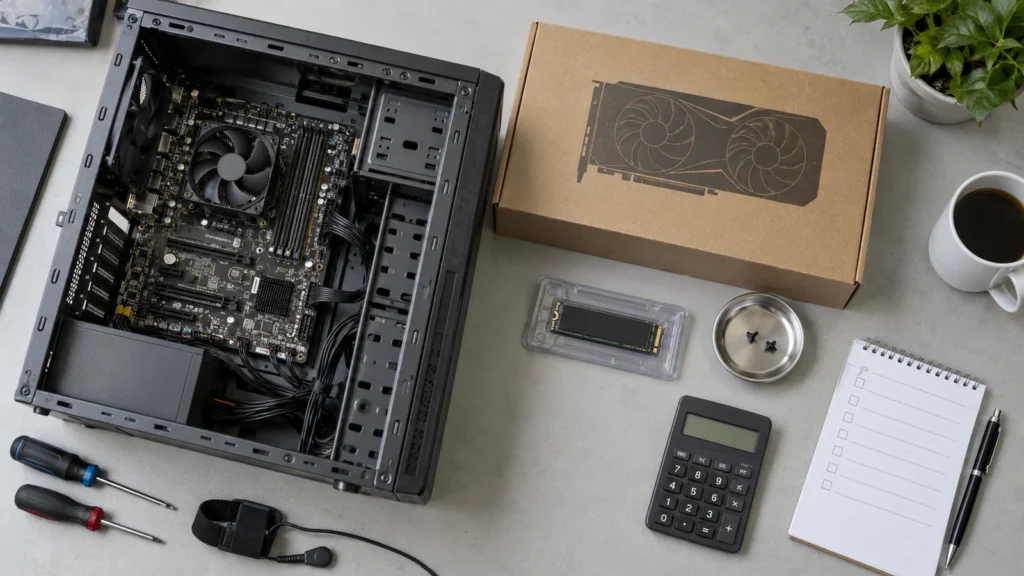
An initial trial with local AI does not immediately require buying a new server. An existing computer can show whether a smaller language model produces useful results for the intended task. For daily work, waiting times, available capacity and reliable operations then matter too.
The key question is therefore what the model should do. A short text revision has different requirements from analysing long documents, extensive coding or several people working at once. “The model starts” is an initial technical finding. It does not yet establish a suitable workstation or company service.
What is possible without a specialised graphics card
Language models can run on a supported CPU. The llama.cpp runtime supports different processor platforms and splitting work between CPU and GPU. A GPU is therefore not a universal prerequisite for every test, although it can considerably accelerate processing. The actual difference is measured using the chosen task. llama.cpp: supported hardware and execution (external link).
A CPU trial can, for example, turn non-sensitive bullet points into a draft, structure a short note or help assess a small code example. The model must be suitable linguistically and for the subject matter. A long input, a demanding answer or a second simultaneous request can substantially change an initially useful single-user result.
32 or 64 GB of RAM: planning scenarios rather than a universal minimum
The following levels are deliberately labelled as examples. They replace neither checking the specific model file nor load testing. Smaller models may need less memory; larger models, long contexts or several services may require considerably more.
| Upgrade level | Example foundation | What the test should establish |
|---|---|---|
| Assess an existing computer | Supported CPU, for example 32 GB of RAM and sufficient free SSD capacity; initially without an additional GPU. | Is a smaller model suitable for the task? Is the waiting time acceptable for individual short tasks? |
| Workstation used regularly | For example, 32–64 GB of RAM, NVMe SSD and a GPU selected specifically for the model and context. | Does work remain responsive when applications run in parallel and inputs become longer? |
| Shared service | Dedicated resources; for example, 64 GB of system RAM as a planning starting point, suitable acceleration and defined operations. | What concurrency, answer quality and availability are achievable under real load? |
64 GB of system RAM is not a substitute for sufficiently large graphics memory. Likewise, fitting a model file on the SSD does not prove that the complete model with the required context fits on the GPU. Systems with shared memory require assessment of the entire memory allocation.
Why model size alone is not enough
A simple calculation illustrates the scale: eight billion parameters at a theoretical four bits per parameter give 8,000,000,000 × 4 ÷ 8 = 4,000,000,000 bytes, roughly 4 GB or 3.73 GiB of weight data alone. This is not the complete memory requirement of an executable model.
Additional requirements include quantisation information, components stored in a different format, runtime buffers and context memory. The actual file and chosen runtime are what matter. GGUF, for example, contains metadata as well as tensors and supports different quantisation formats. Hugging Face: GGUF and quantisation (external link).
A larger context window needs extra memory. The required input length is therefore explicitly recorded in the test. A short chat with a small input says little about later work with long documents. Ollama: context length and memory requirements (external link).
A GPU must fit the whole environment
Selection considers usable graphics memory, supported drivers and runtime, power consumption, cooling and installation constraints. Two cards with similar-sounding names may have different memory capacities. Even “detected by the operating system” does not mean that the intended model runtime uses the card appropriately.
Before purchase, the exact card model, operating system and driver version are checked against current runtime support. Ollama documents different approaches for NVIDIA, AMD, Apple Metal and other backends. This does not imply blanket support for every card of a given brand. Ollama: current hardware support (external link).
What NVMe and Linux contribute
An NVMe SSD is a sensible planning option for local model files, updates and working data. Free space is reserved for the actual models and additional versions. A larger drive does not replace RAM or graphics memory, however; even a fast SSD does not automatically make an oversized model usable interactively.
Linux can suit a continuously operated service when drivers, maintenance and responsibilities fit the business. Ollama describes options including operation as a dedicated system service. The operating system is chosen to suit the existing environment; it need not be introduced afresh for every workstation. Ollama: Linux operations and version maintenance (external link).
A short pilot produces a better shopping list
- Define one task: for example, draft from approved bullet points rather than connecting the entire knowledge repository immediately.
- Record test conditions: model version, quantisation, context, hardware and other running applications.
- Assess results: subject-matter accuracy, corrections needed and work actually saved.
- Measure waiting times: typical and longer inputs as well as expected simultaneous use.
- Include operations: data flows, permissions, updates, backup and recovery.
The article Testing local AI: a pilot under representative loadsets out the more detailed assessment approach. For the move to a shared service, Ollama and Open WebUI on the company network explains the separation of access, interface and model.
Reuse existing equipment sensibly and add selectively
An existing computer may be enough to get started. If the pilot demonstrates a sound benefit, a targeted upgrade or dedicated service can follow. For occasional or particularly demanding tasks, an approved cloud API or hybrid model may also make economic sense. Data, quality, usage and operating effort determine the choice.
DAXS supports this assessment and integration with existing IT. Useful starting points are Local LLMs and infrastructure and the enquiry for AI consulting and automation.
Sources: memory figures are explicitly described planning scenarios or a theoretical weights calculation. They are not benchmarks, price quotations or evidence of a particular user count. The specific model licence and system compatibility are checked before use.